
고속도로와 유료도로의 모든 카메라를 교통 센서로
GoodVision Live Traffic은 이미 CCTV를 운영 중인 고속도로 및 유료도로 운영사를 위한 솔루션입니다. 기존 카메라를 하나의 플랫폼에서 자동 돌발상황 감지, 교통 위반 감지, 실시간 교통 모니터링, 예측 분석을 수행하는 센서로 바꿉니다. 모든 이벤트는 감지 즉시 HTTPS를 통해 관제실로 전달되며, 운영자는 기존에 쓰던 ATMS에서 그대로 업무를 이어갑니다.
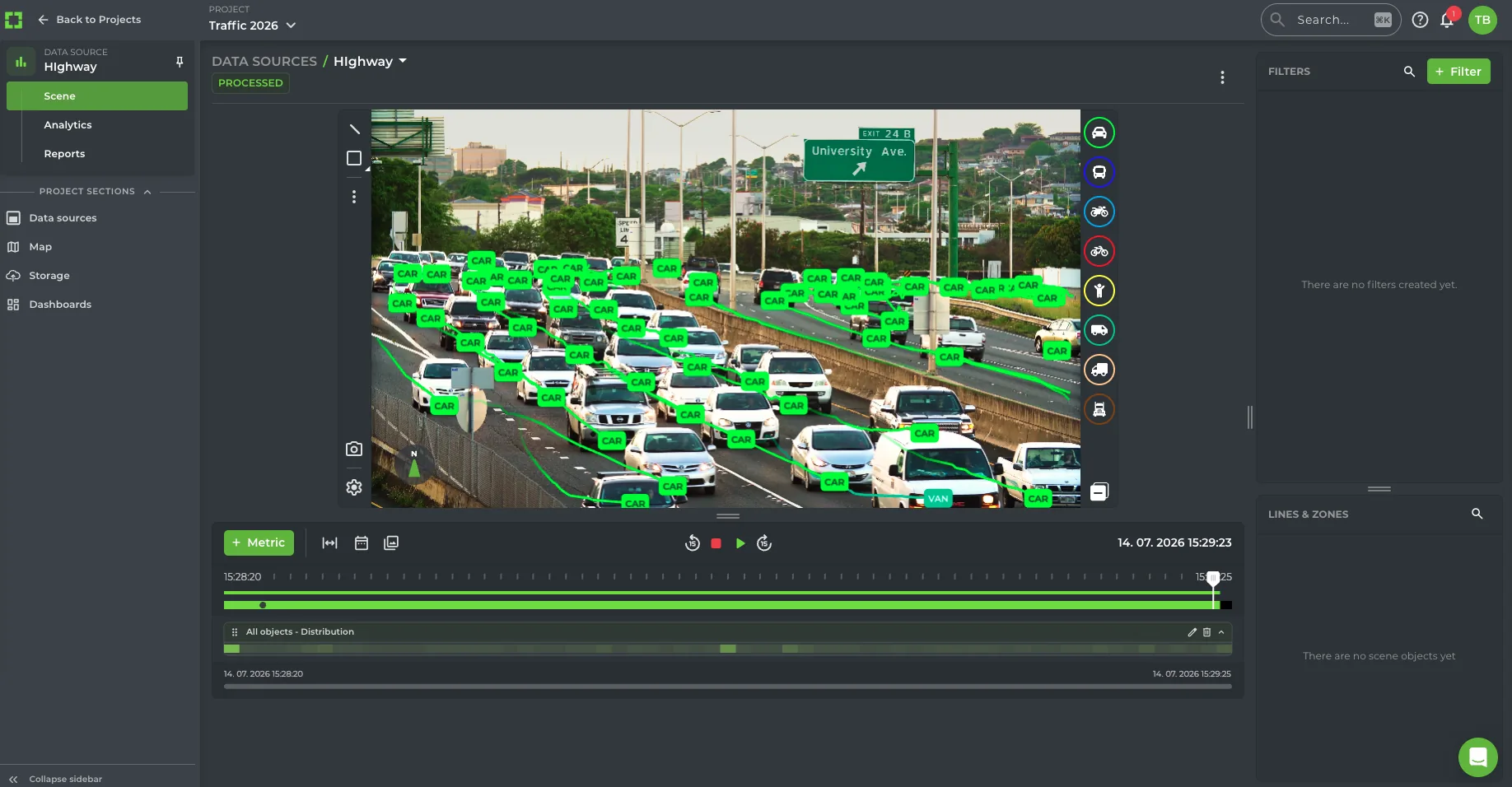
숫자로 보는 고속도로·유료도로 운영
늘어나는 카메라, 그대로인 관제실
한때 수십 개의 영상을 지켜보던 관제실이 이제는 같은 근무 체계로 수천 개의 영상을 감당합니다. 카메라가 늘어날수록 돌발상황 발생부터 누군가 이를 인지하기까지의 시간도 길어집니다. 자동 돌발상황 감지는 모든 영상을 동시에 감시하고 사람의 판단이 필요한 이벤트만 알려 그 공백을 메웁니다.
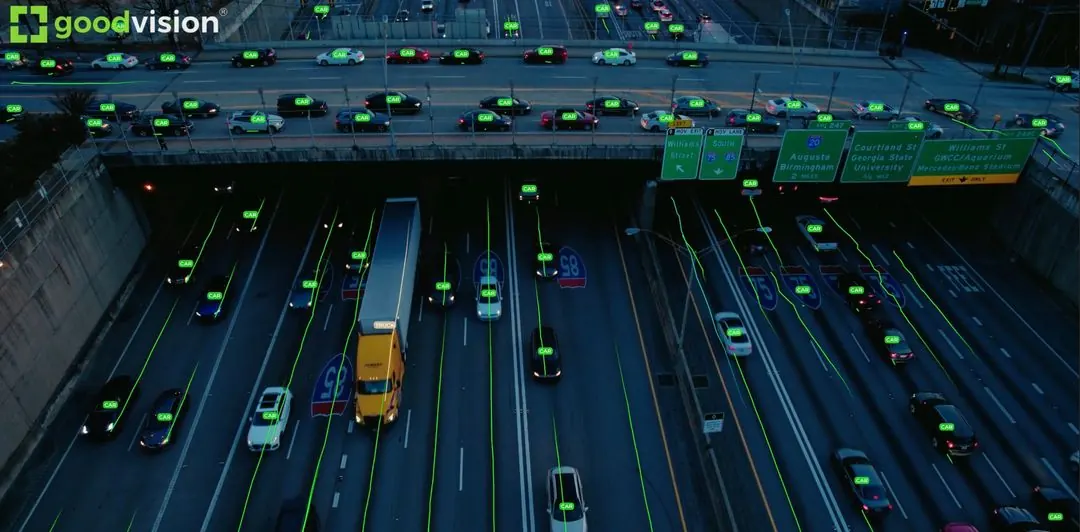
도로에서 첫 신고 전화가 오기 전에, 돌발상황을 발생 즉시 확인합니다.
돌발상황 발생부터 대응 인력 출동까지의 시간을 단축합니다.
돌발상황 및 혼잡 관리 계약에 필요한 운영 성과를 구간별 측정 데이터로 제공합니다.
네 개의 시스템 대신 하나로
교통량 집계, 돌발상황 감지, 위반 감지, 분석에는 보통 네 번의 구매, ATMS와의 네 번의 연동, 운영자를 위한 네 번의 교육이 필요했습니다. GoodVision은 동일한 이동 궤적 데이터로 네 가지를 모두 실행하며, 기본 제공되는 하나의 연동으로 처리합니다.
공사 구간, 교량, 터널, 요금소
동일한 시나리오를 돌발상황의 비용이 가장 큰 구간에 맞게 적용합니다. 각 카메라를 감시하는 현장에 맞게 설정하므로, 임시 공사 구간, 터널 내부, 요금소마다 고유한 영역, 차로, 임계값을 하나의 시스템에서 운영합니다.
공사 구간
통제 구간을 비추는 카메라에 임시 제한속도를 설정하고, 이를 초과하는 모든 차량을 차로별로 표시합니다. 정차 차량 및 혼잡 감지가 차로 축소 구간에서 뒤로 늘어나는 대기행렬을 포착하며, 확정된 이벤트로 상류의 도로전광표지(VMS)를 작동시킬 수 있습니다.
교량 및 터널
대피할 갓길이 없는 경우가 많아 정차 차량이 곧바로 주행 차로를 막습니다. 차량 정차 감지, 역주행 감지, 화재·연기·낙하물 모델이 교량 경간과 터널 내부를 각각 감시하며, 알림은 관제실로 바로 전달됩니다.
요금소
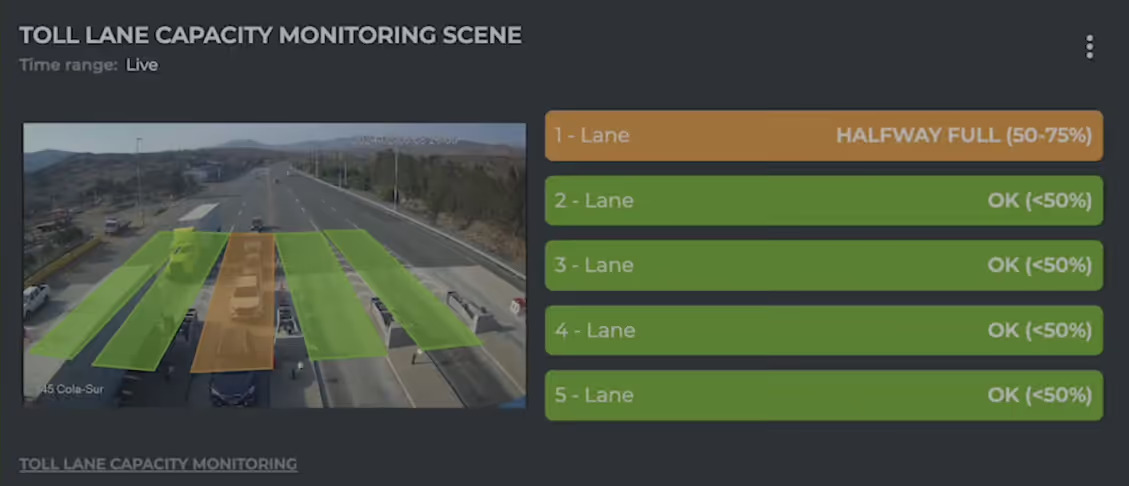
요금 차로 용량 모니터링은 각 게이트의 대기행렬을 측정합니다. 칠레의 한 스페인계 요금소 운영사는 요금소당 기존 카메라 2~4대로 이 기능을 운영하며, SLA 위반이 위약금으로 이어지기 전에 알람을 받습니다.
자동 돌발상황 감지
자동 돌발상황 감지는 모든 고속도로 카메라 영상을 동시에 감시하고 운영자의 대응이 필요한 이벤트만 알립니다. GoodVision Live Traffic에서 각 돌발상황 유형은 카메라별로 활성화하고 방향, 차로, 차종별로 조정하는 시나리오입니다. 모든 이벤트는 발생 즉시 HTTPS를 통해 관제실로 전달됩니다.
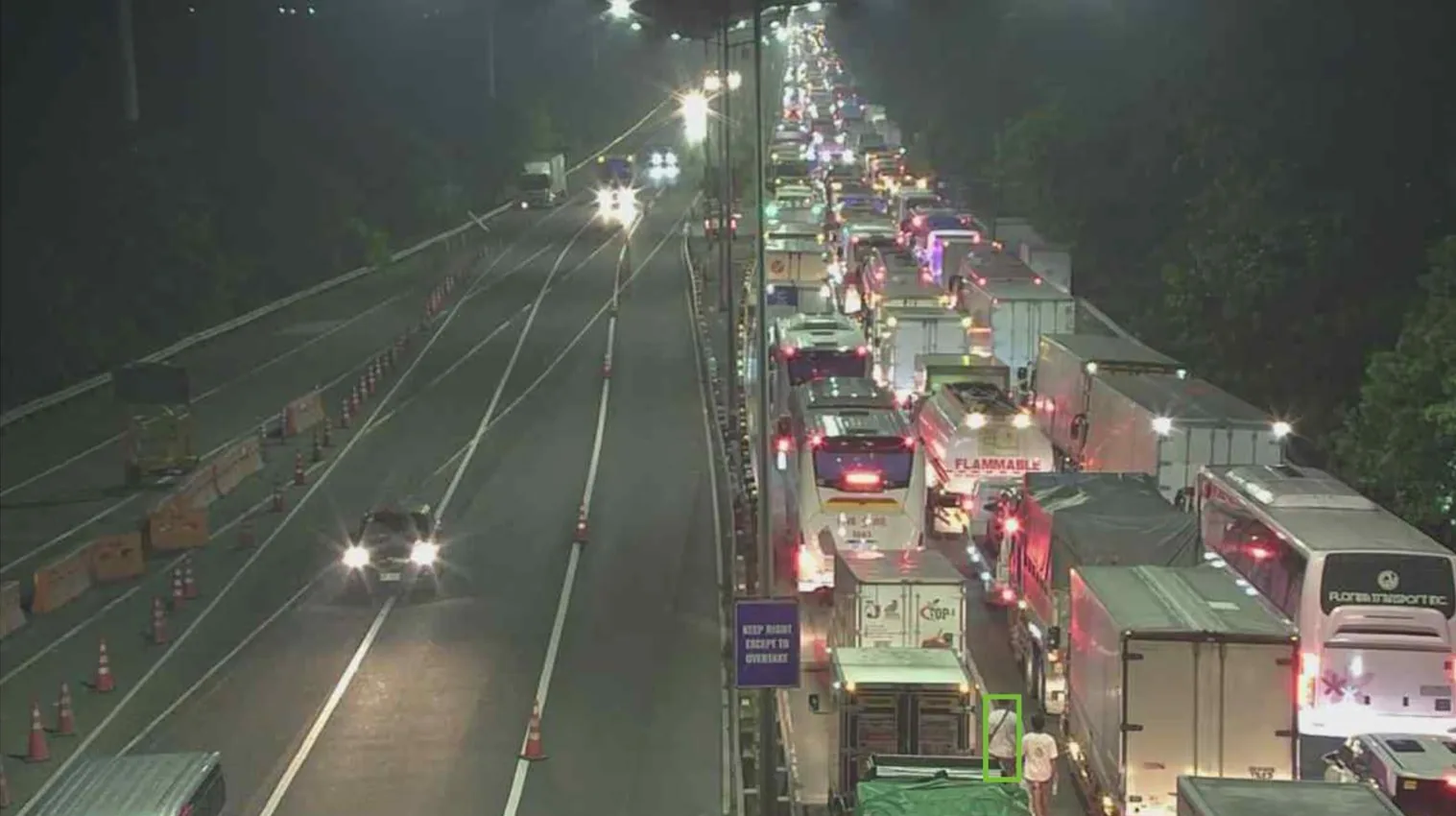
실제 운영 중인 5가지 돌발상황 유형
역주행, 정차 및 고장 차량, 혼잡, 제한속도 위반, 화재·연기·낙하물.
차로별 혼잡
차로마다 혼잡 수준을 원활, 서행, 정체의 3단계로 보고합니다.
돌발상황 징후 및 아차사고
GoodVision은 돌발상황 주변의 상황을 감지하고 PET와 TTC로 아차사고를 측정합니다.
교통 위반 감지
교통 위반 감지는 추적 중인 모든 차량을 해당 카메라에 설정한 규칙과 대조하고, 규칙 위반 시 이벤트를 생성합니다. GoodVision Live Traffic은 고속도로의 CCTV 또는 지원되는 AI 카메라에서 4가지 위반 유형을 실시간으로 감지하고, 각 이벤트를 발생 시각 및 위치와 함께 감지 즉시 운영 시스템으로 전송합니다. 지원되는 AXIS 카메라에서는 역주행 감지 시 이벤트 확인 후 1초 이내에 인터넷 연결 없이도 도로변 경고 표지를 직접 작동시킬 수 있습니다.
4가지 위반 유형
역주행, 제한속도 위반, 차량 정차, 불법 주차. 각 유형을 선택한 카메라에서 실시간으로 운영합니다.
차로 및 차종별 제한
차로별, 차종별로 제한속도를 설정하므로 임시 공사 구간의 제한속도를 특정 구간에만 적용할 수 있습니다.
모든 이벤트에 이미지 제공
REST API는 감지된 각 이벤트의 이미지 스냅샷을 반환하며, Event Report는 모든 이벤트를 .xls로 내보냅니다.
실시간 교통 모니터링
실시간 교통 모니터링은 각 고속도로 카메라를 상시 모니터링 지점으로 바꿉니다. GoodVision Live Traffic은 차종별 교통량, 교통류율, 속도, 밀도, 차간 시간, 혼잡 수준을 차로별, 방향별로 끊임없이 측정합니다. 데이터는 실시간 대시보드에서 확인하거나 REST API로 팀이 이미 쓰는 시스템에 가져올 수 있습니다.
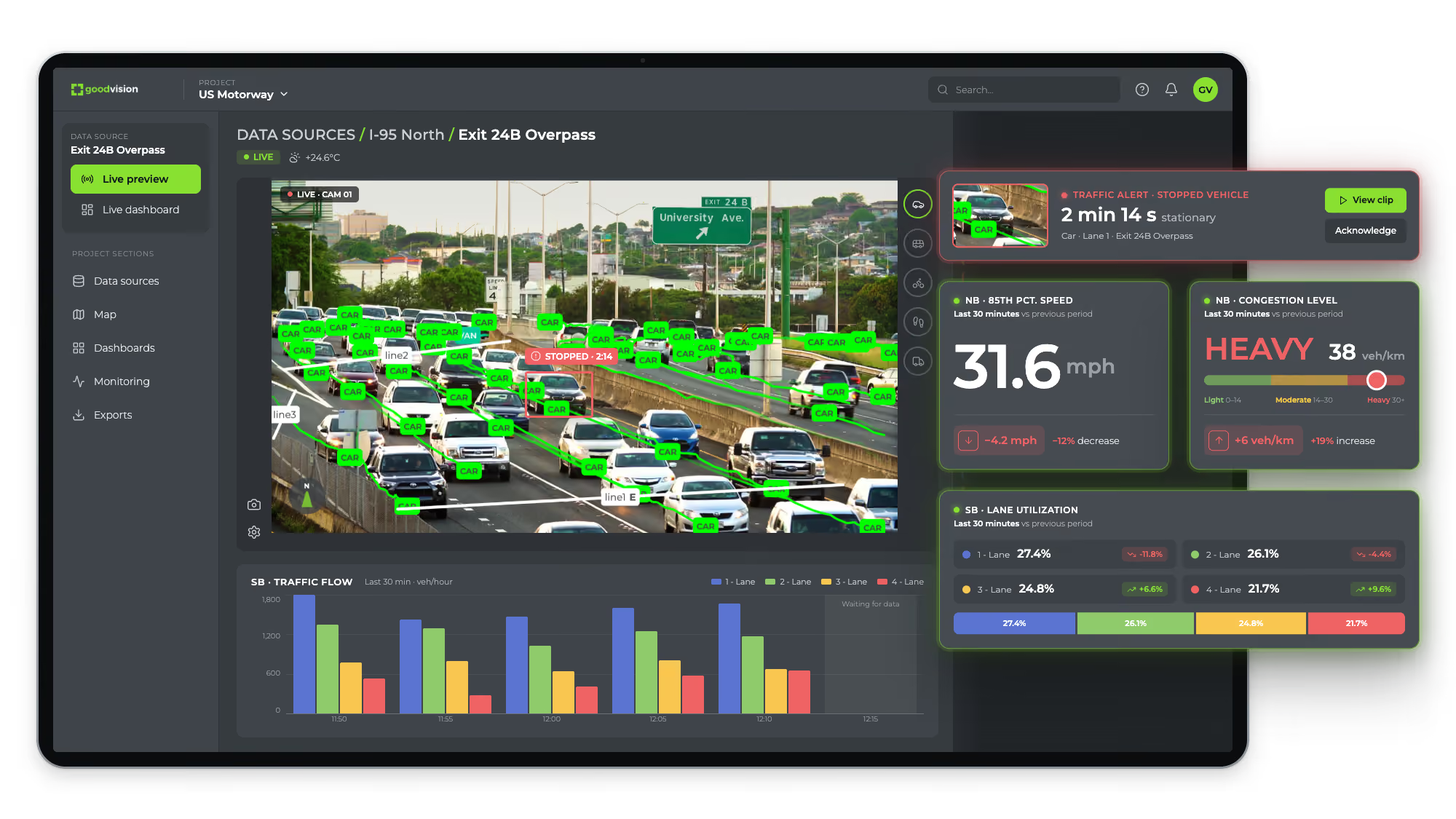
차로별 속도
모니터링하는 모든 차로의 평균 속도와 85백분위 속도(차량의 85%가 그 이하로 주행하는 속도).
요금 차로 용량
요금 차로 용량 모니터링은 요금소의 각 차로를 추적하며, 차로 상태와 용량 이벤트를 API로 조회할 수 있습니다.
원하는 방식으로 받는 데이터
교통량, 속도, 점유율을 REST API로 가져올 수 있으며, 1초부터 24시간 단위까지 집계하고 차로 및 객체 클래스별로 필터링합니다.
예측 분석
예측 분석은 보유 카메라가 기록한 교통 이력을 바탕으로 해당 구간의 향후 교통 상황을 예측합니다. GoodVision Live Traffic의 예측 모델은 도입 후 첫 3개월 동안 현장 데이터로 학습하고 보정합니다. 돌발상황 감지와 모니터링은 첫날부터 작동하며, 예측 결과는 모델 보정이 끝나면 확인할 수 있습니다.
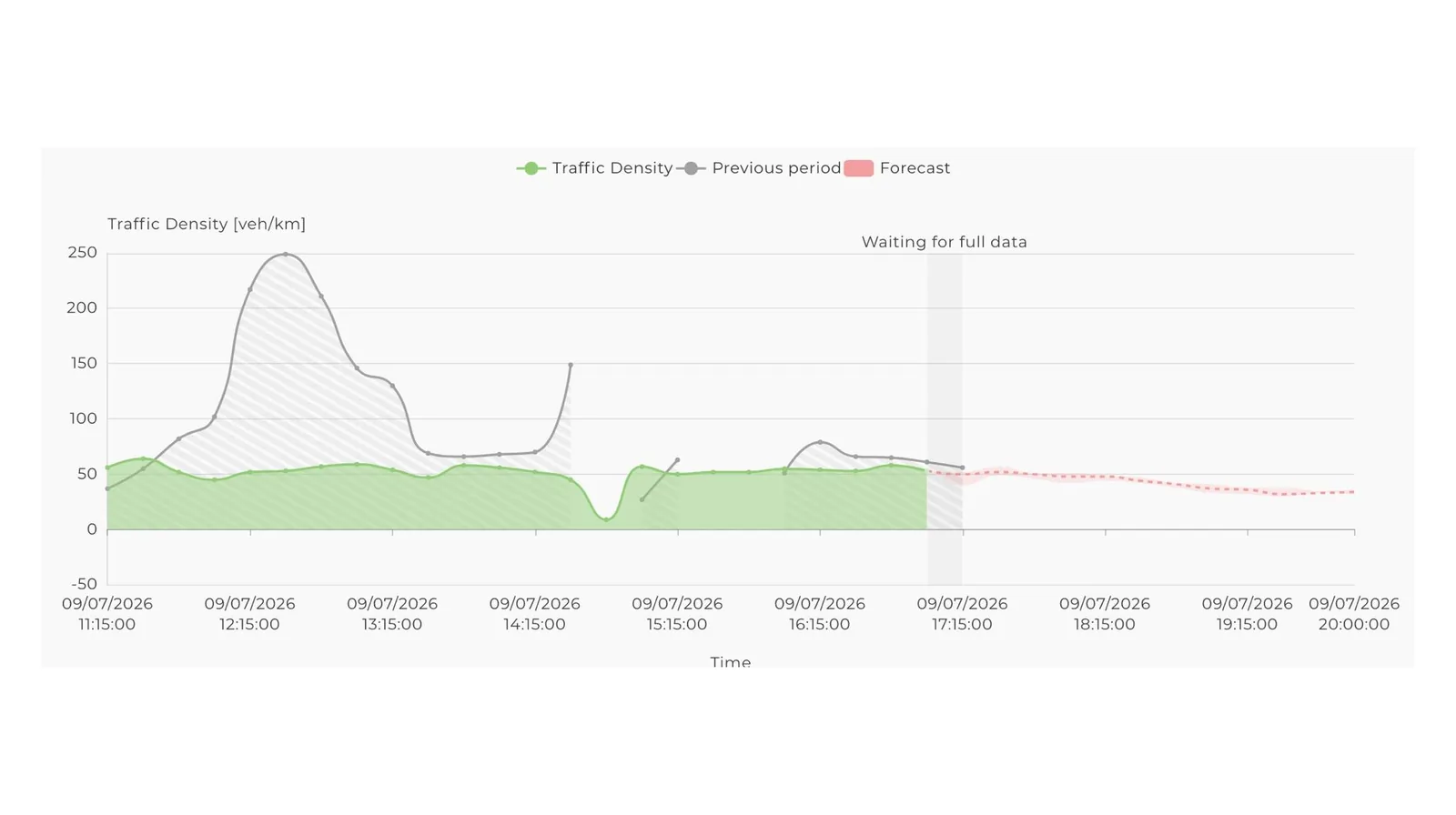
운영 구간 데이터로 학습
모델은 보유 카메라가 기록한 교통량, 속도, 교통류율로 학습합니다.
3개월의 보정 기간
도입 후 첫 3개월은 학습 및 보정 기간입니다. 그동안 예측 결과는 GoodVision 담당자만 확인합니다.
실시간 측정 기반
운영 기간 동안 매일 차로별로 기록되는 교통류율, 밀도, 평균 및 85백분위 속도, 차간 시간.
운영 중인 ATMS와 바로 연동
이벤트는 발생 즉시 HTTPS를 통해 교통관리시스템, 출동 지령 플랫폼, 도로전광표지(VMS)로 전달됩니다. REST API는 1초부터 24시간 단위로 집계한 교통량, 속도, 점유율을 제공합니다. 운영자는 익숙한 도구로 그대로 업무를 이어갑니다.
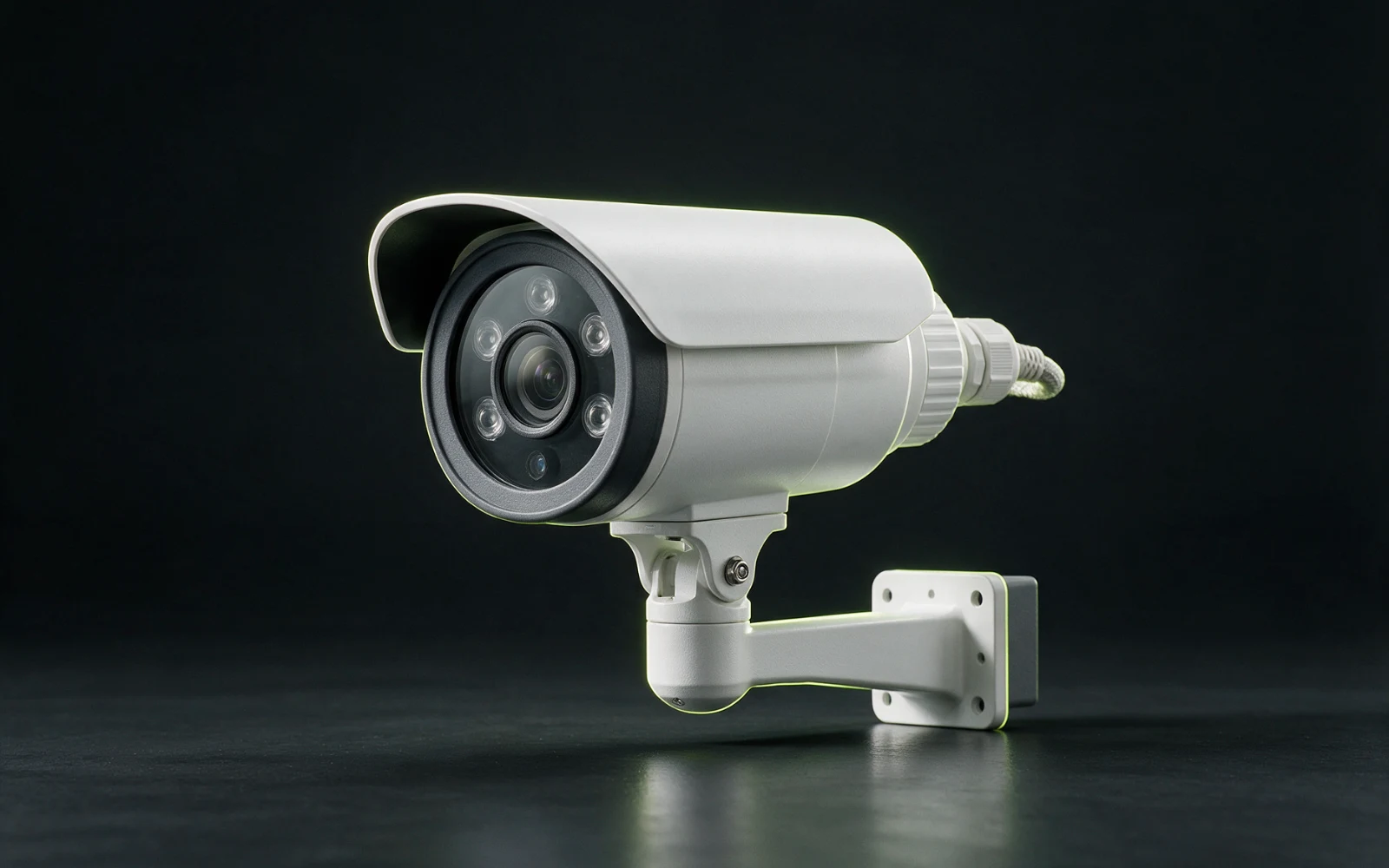
카메라 내장형
DLPU를 탑재한 AXIS® 카메라. AI가 장치 자체에서 실행됩니다.
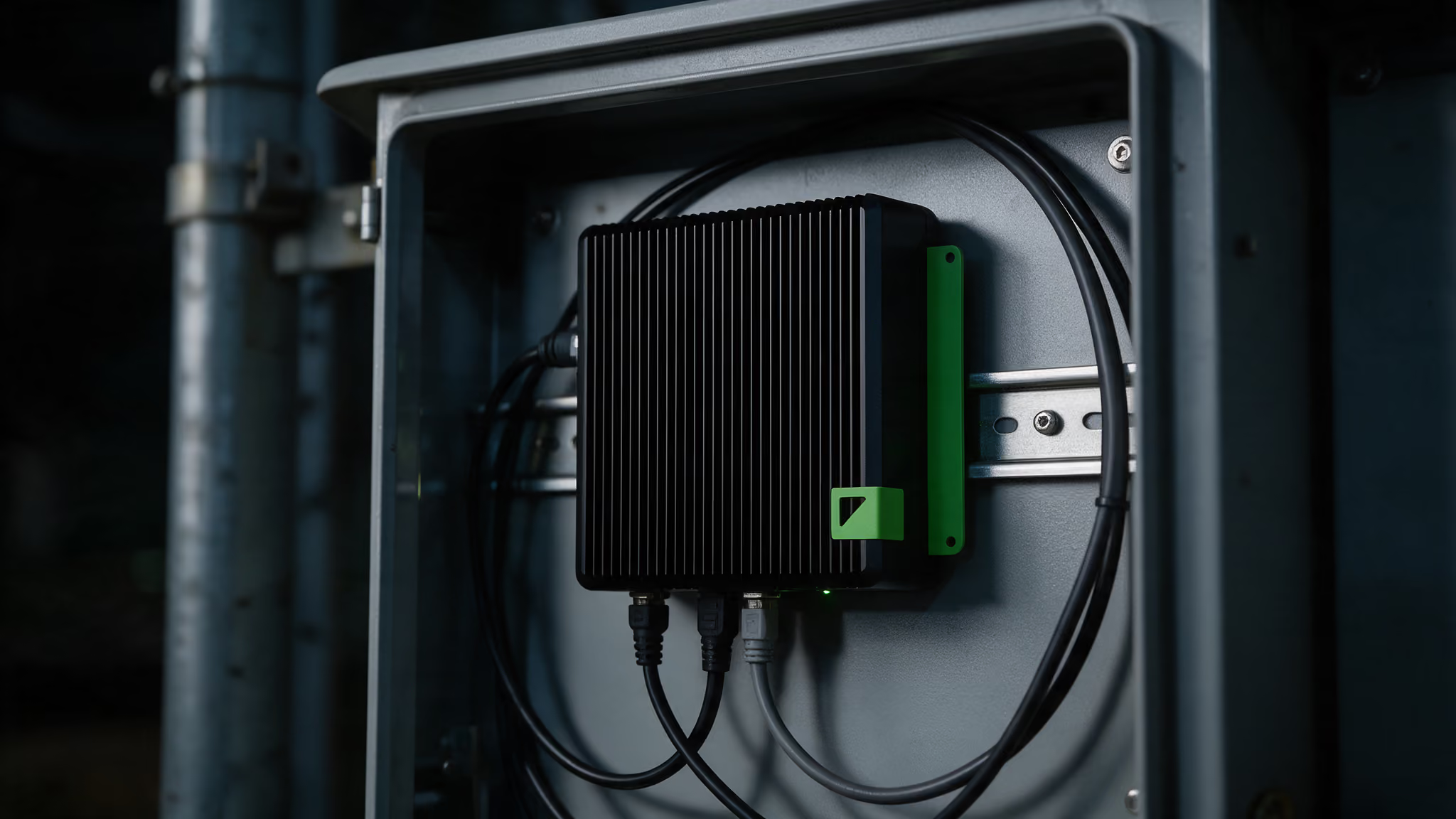
엣지 장치
기존 CCTV 카메라 옆 함체에 설치하는 reComputer-Industrial-J4012.
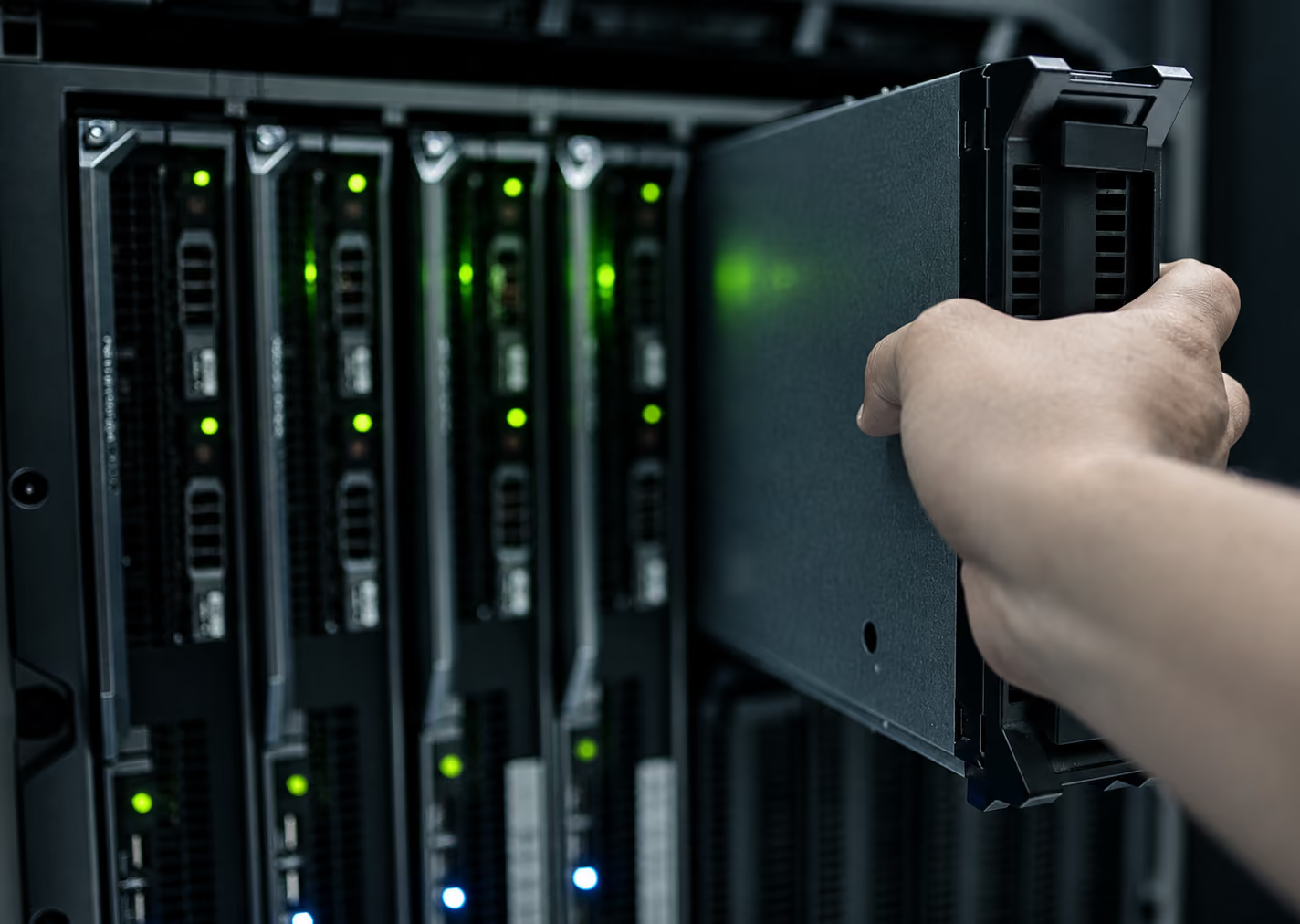
자체 서버
보유한 NVIDIA GPU 서버에서 엔진을 실행하며, 이미 운영 중인 모든 카메라와 함께 사용할 수 있습니다.
이벤트 유형별 전송
역주행은 출동 지령 플랫폼으로, 혼잡은 성과 보고로 보냅니다. HTTP 웹훅과 메시지 큐잉을 지원하며 페이로드 형식을 설정할 수 있습니다.
전광표지 및 운전자 앱
이벤트가 확정되면 도로전광표지(VMS), 카메라 자체 출력으로 직접 작동하는 도로변 경고 표지, 연동된 내비게이션 플랫폼이 작동합니다.
설정, 모니터링, 재구성
카메라별로 영역, 차로, 임계값, 알림 규칙을 설정합니다. 실시간 오버레이를 확인합니다. 과거의 모든 감지 기록을 영상 클립 및 데이터와 함께 검색하고 다시 재생합니다. 대시보드는 선택 사항입니다.
현재 고속도로와 유료도로에서 운영 중
필리핀, 그리스, 칠레의 유료도로 민자 운영사들이 이미 도로에 설치된 카메라로 GoodVision을 운영하고 있습니다. 아래 사례는 모두 기존 CCTV로 가동을 시작했으며, 운영사가 이미 쓰던 시스템에 데이터를 제공합니다. 각 항목에는 운영사의 분야와 지역, 카메라 수, 시스템이 제공하는 성과를 표기했습니다.
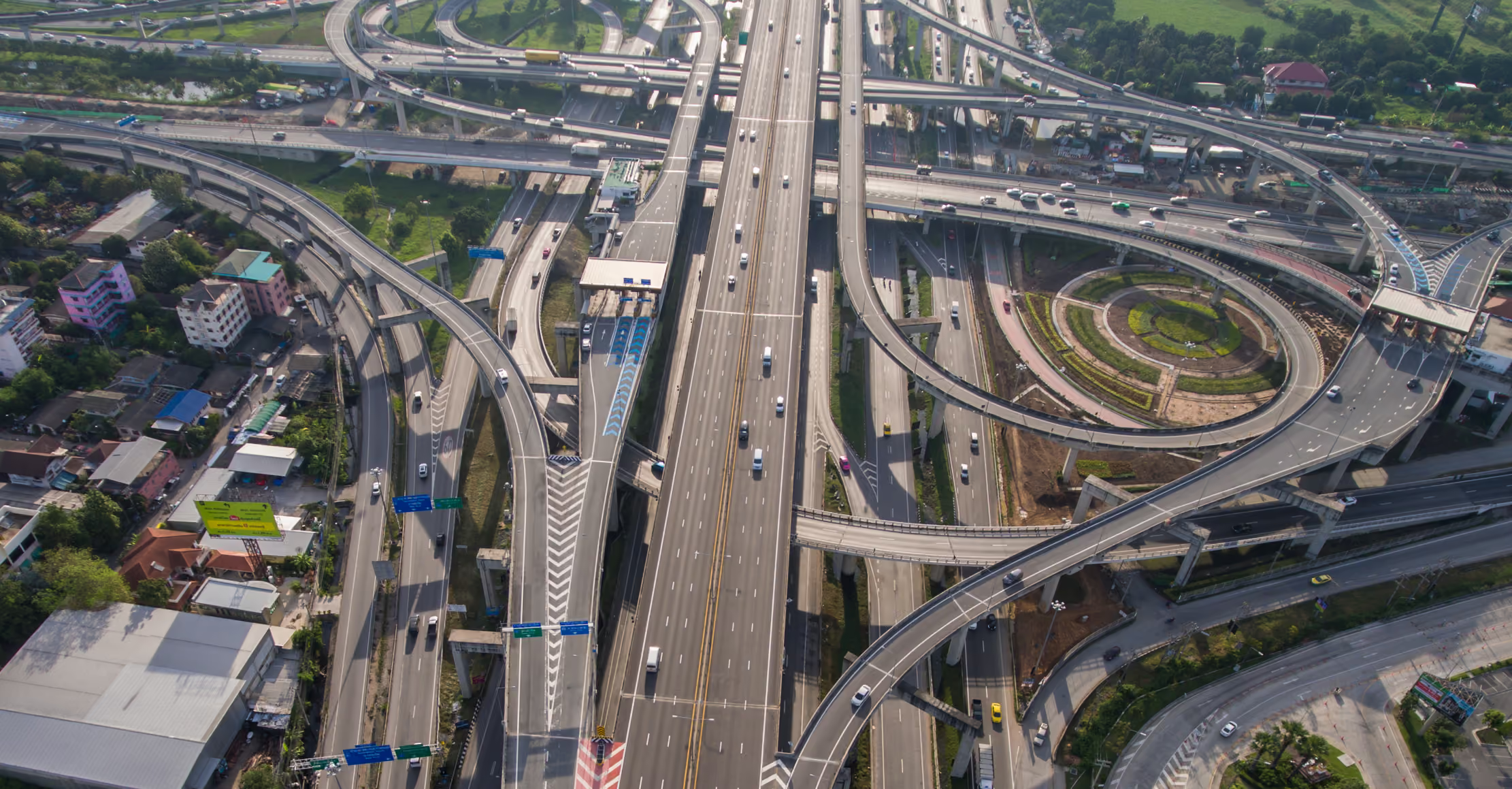
기존 CCTV 카메라 150대 이상에서 자동 돌발상황 감지와 혼잡 예측 분석을 중앙 처리하고, 종합상황실 소프트웨어 및 운전자 앱과 연동했습니다. 2025년 9월부터 운영 중입니다.
.avif)
돌발상황 감지와 교통류 분석을 엣지에서 처리하고, 이력 분석으로 최적의 유지보수 시간대를 찾아 계획 소프트웨어 API에 제공합니다. 2024년부터 운영 중입니다.
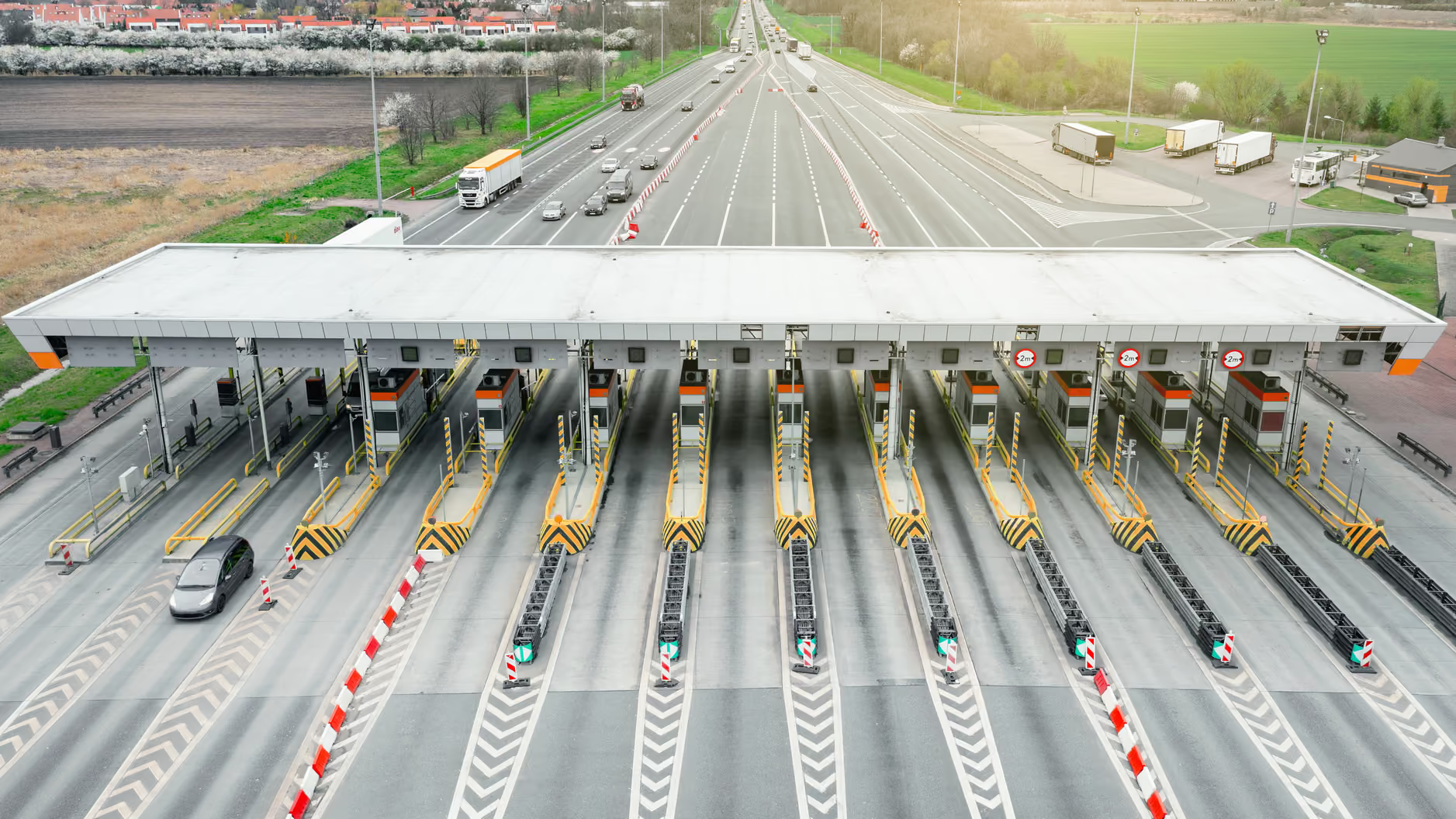
요금 게이트의 대기행렬 및 교통류 분석. 실시간 오버레이로 차로 개방 및 폐쇄 시점을 운영자에게 알리고, SLA 위반이 위약금으로 이어지기 전에 알람을 보냅니다. 2024년 1월부터 운영 중입니다.
실제 운영 구간에서 시범 도입
시범 도입은 고객이 정한 평가 사용 사례에 맞춰 건별로 범위를 정합니다. 모든 데이터를 고객 네트워크 안에 둘 수 있으므로, 데이터 공유 계약이나 보안 심사를 먼저 거칠 필요가 없습니다. 진행에 합의하면 며칠 내에 장비가 도착하며, 엣지 장치는 폴, 도로변 함체 또는 교통관리센터에 설치합니다.
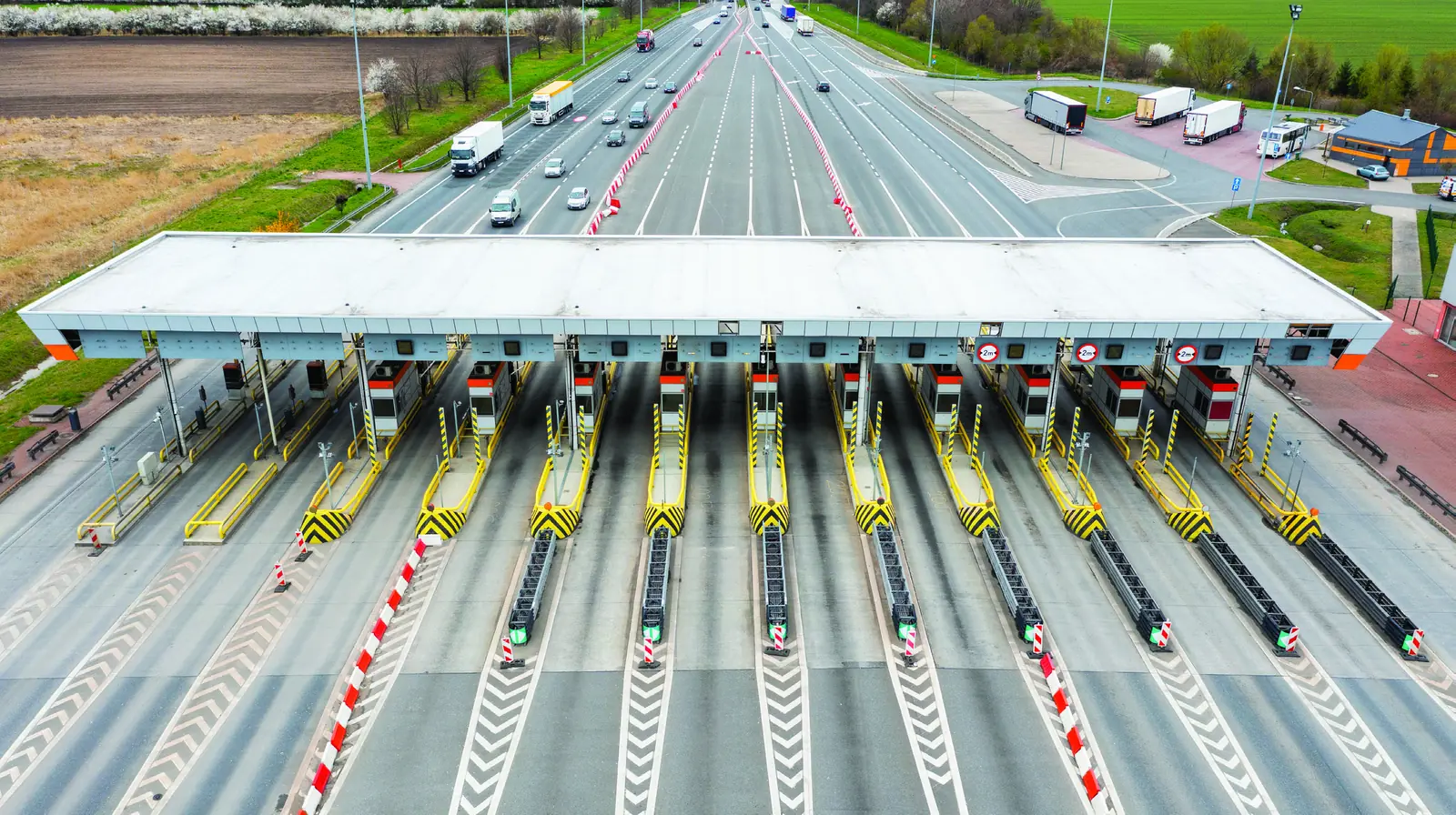
장치 배송
소프트웨어가 사전 설치된 소형 엣지 프로세서가 도착합니다.
영상 연결
카메라에 직접 연결하거나, 운영 중인 영상 관리 시스템을 통해 연결합니다.
설정
테스트할 기능을 설정합니다.
실제 교통 환경에서 가동
며칠 내에 운영 구간의 실제 이벤트를 확인합니다.
고속도로 운영사가 자주 묻는 질문
GoodVision이 운영 구간에 적합한지 판단하는 데 필요한 질문입니다. 기존 카메라에서 작동하는지, 무엇을 감지하는지, 처리는 어디에서 이루어지는지, 이벤트가 어떻게 관제실에 도달하는지 다룹니다. 각 답변은 간결하며 근거가 되는 수치를 함께 제시합니다.
기존 카메라로 사용할 수 있습니까?
대부분 가능합니다. GoodVision은 640x480부터 1920x1080까지, 초당 10~50프레임의 H.264 또는 H.265 표준 RTSP 스트림을 처리합니다. 차량이 카메라 화면의 5% 이상을 차지해야 합니다. 현재 사용 중인 여러 카메라 브랜드를 그대로 활용할 수 있습니다.
GoodVision은 충돌 사고를 감지합니까?
아니요. 정차 차량, 역주행 차량, 차로 내 혼잡 증가 등 돌발상황 주변의 상황을 감지합니다. 아차사고는 PET와 TTC로 평가합니다.
처리는 어디에서 이루어집니까?
지원되는 AXIS® 카메라, 도로변 함체의 엣지 장치, 또는 자체 GPU 서버에서 처리합니다. 세 가지 방식 모두 감지 기능이 같으므로, 조달 및 네트워크 규정에 맞춰 선택할 수 있습니다.
이벤트는 어떻게 관제실로 전달됩니까?
각 이벤트는 감지 즉시 HTTPS로 전송됩니다. 이벤트를 ATMS, 출동 지령 플랫폼, 도로전광표지(VMS)로 보내고, 집계된 교통량, 속도, 점유율은 REST API로 가져올 수 있습니다.
예측은 언제부터 사용할 수 있습니까?
3개월 후부터 사용할 수 있습니다. 예측 모델은 도입 후 첫 3개월 동안 운영 구간 데이터로 학습합니다. 보정이 끝나면 미해결 돌발상황이 구간에 미치는 영향을 15분, 30분, 45분, 60분 시점으로 예측하므로, 운영자는 역방향 가변차로 운영, 제한속도 하향, 우회 유도, 출동 등의 대응책을 예측에 근거해 선택할 수 있습니다. 돌발상황 감지는 도입 첫날부터 작동합니다.
한 구간부터 시작할 수 있습니까?
네. 카메라 한 대나 한 구간에서 시작한 뒤, 동일한 플랫폼과 설정으로 나머지 네트워크까지 확장할 수 있습니다.
실제 운영 구간에서 직접 확인
보유 카메라의 스트림이나 녹화 영상을 보내 주시면 GoodVision이 그 안에서 찾아내는 결과를 보여 드립니다. ITS 통합업체라면 귀사 시장 도입에 대해 문의해 주십시오.