
녹화 영상과 실시간 교통 영상을 위한 두 가지 제품
GoodVision 플랫폼은 두 가지 제품으로 구성됩니다. GoodVision Video Insights는 교통량 조사, 교통 모델링, 안전 분석을 위해 녹화된 교통 영상을 분석합니다. GoodVision Live Traffic은 교통 운영을 위해 실시간 카메라 스트림을 모니터링하고 모든 이벤트를 발생 즉시 고객 시스템으로 전송합니다. 두 제품 모두 모든 브랜드의 카메라와 호환되며, 하드웨어는 자유롭게 선택할 수 있습니다.
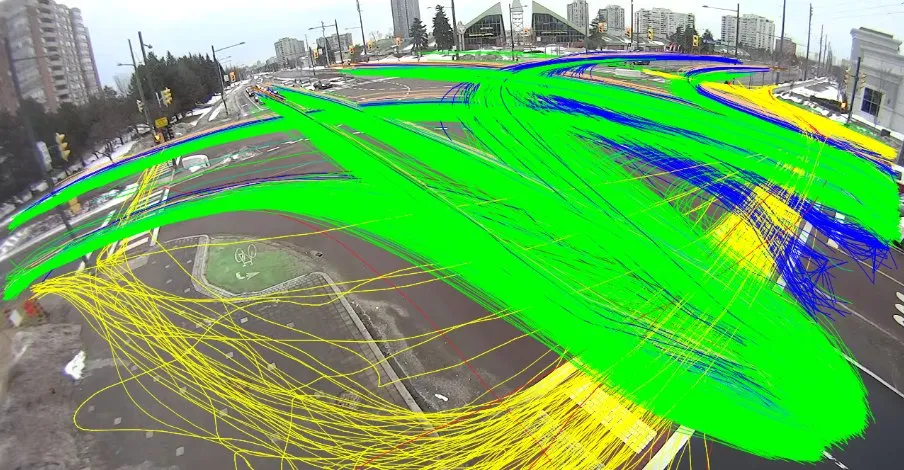 Recorded
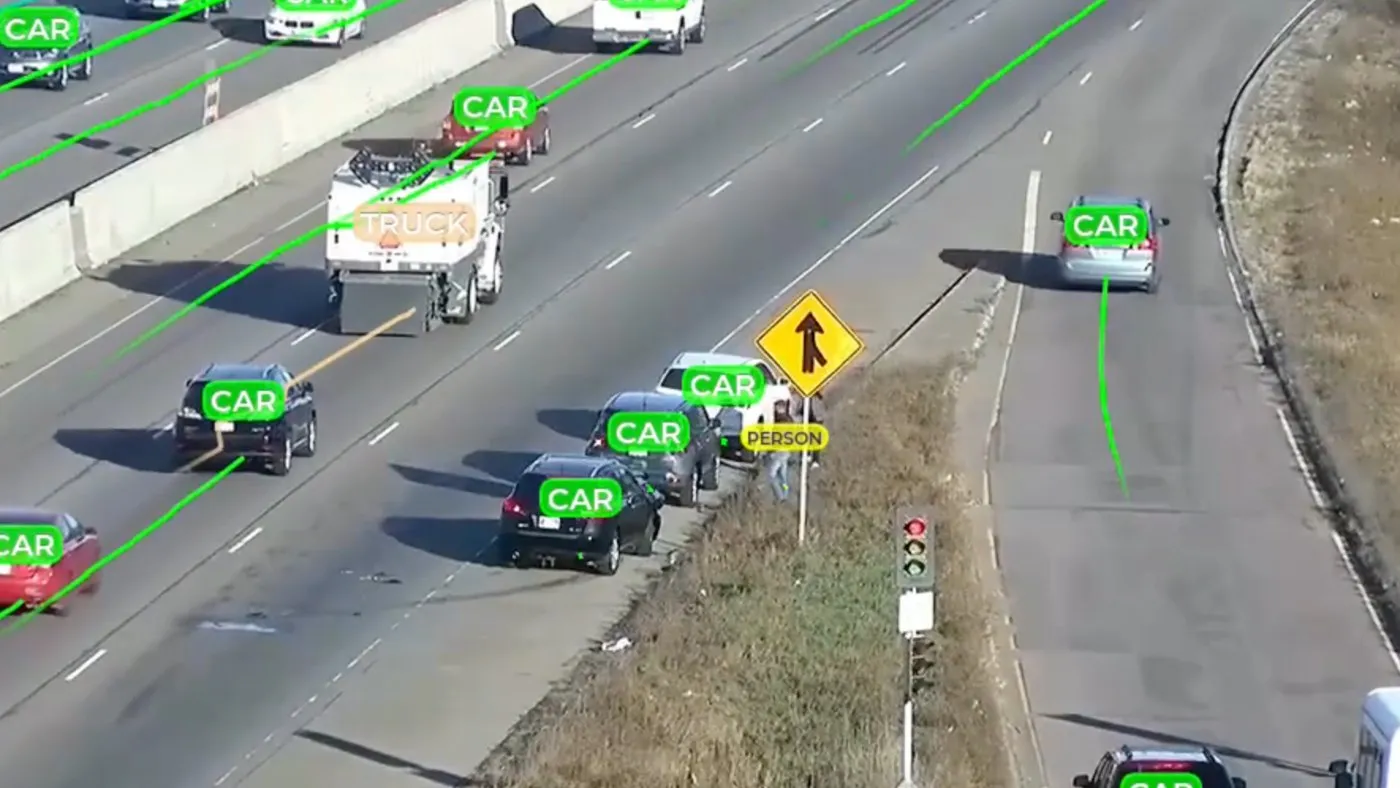
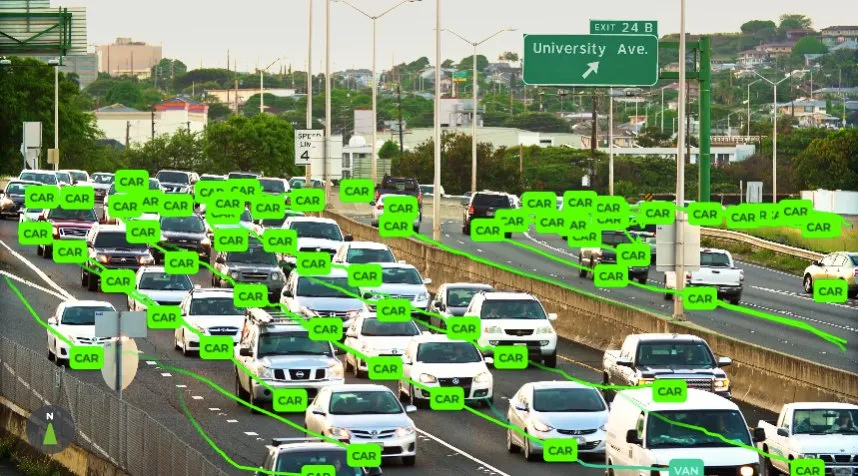
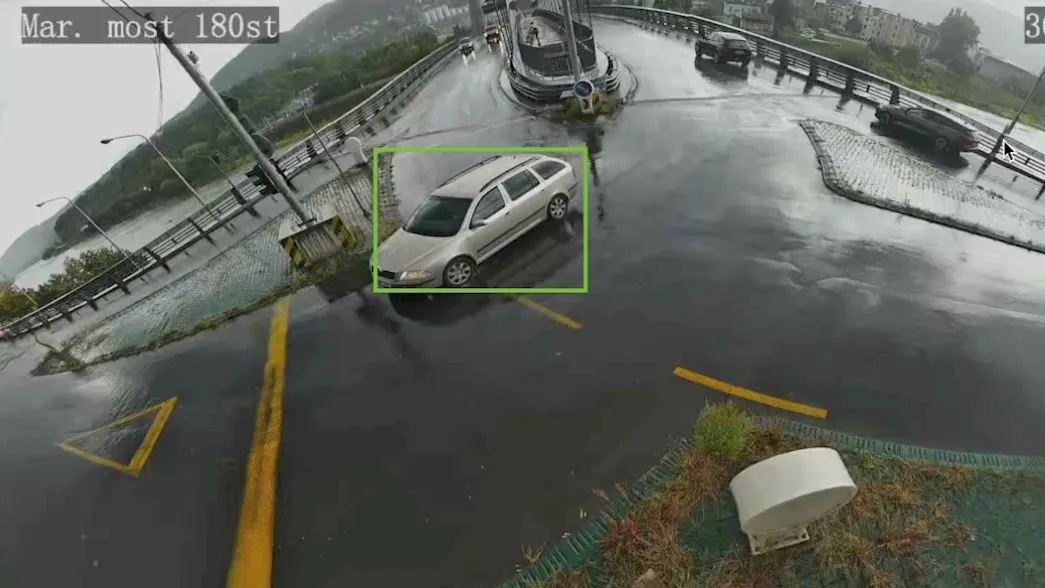
수치로 보는 플랫폼
어떤 GoodVision 제품이 필요합니까?
영상의 출처를 기준으로 선택하십시오. 녹화한 영상에서 데이터가 필요하다면 GoodVision Video Insights가 적합합니다. 카메라를 운영하며 포착되는 상황에 즉시 대응해야 한다면 GoodVision Live Traffic이 적합합니다. 많은 팀이 같은 플랫폼에서 두 제품을 함께 사용합니다.
Video Insights와 Live Traffic 비교
두 제품은 하나의 감지 기술과 하나의 플랫폼을 공유합니다. 차이는 입력 영상, 결과물, 실행 환경, 라이선스 방식의 네 가지입니다. 아래 카드에서 두 제품을 나란히 비교해 프로젝트에 맞는 방식을 확인하십시오.
입력 영상
Video Insights는 교통 카메라, 삼각대, 드론으로 녹화한 영상을 사용합니다. Live Traffic은 네트워크에 연결된 카메라의 H.264 또는 H.265 실시간 RTSP 스트림을 사용합니다.
제공 결과
Video Insights는 교통량, 기종점(OD) 행렬, 속도, 이동 궤적, Excel 보고서를 수 시간 내에 제공합니다. Live Traffic은 실시간 이벤트, 알림, 연속 교통량을 제공하며, 각 알림은 감지 즉시 전송됩니다. 또한 멀티카메라 추적으로 교차로의 모든 카메라에 걸쳐 회전교통량을 집계합니다.
실행 환경
Video Insights는 브라우저에서 작동하며 Google Drive, OneDrive, Dropbox의 영상도 받을 수 있습니다. Live Traffic은 지원되는 스마트 카메라, 카메라 옆에 설치하는 엣지 장치 또는 자체 GPU 서버에서 실행됩니다.
라이선스 방식
Video Insights는 사용량 기반 요금제로, 영상 시간당 크레딧을 사용합니다. Live Traffic은 연결된 카메라당 연간 또는 영구 라이선스로 제공됩니다.
두 제품 모두에서 제공되는 아차사고 분석
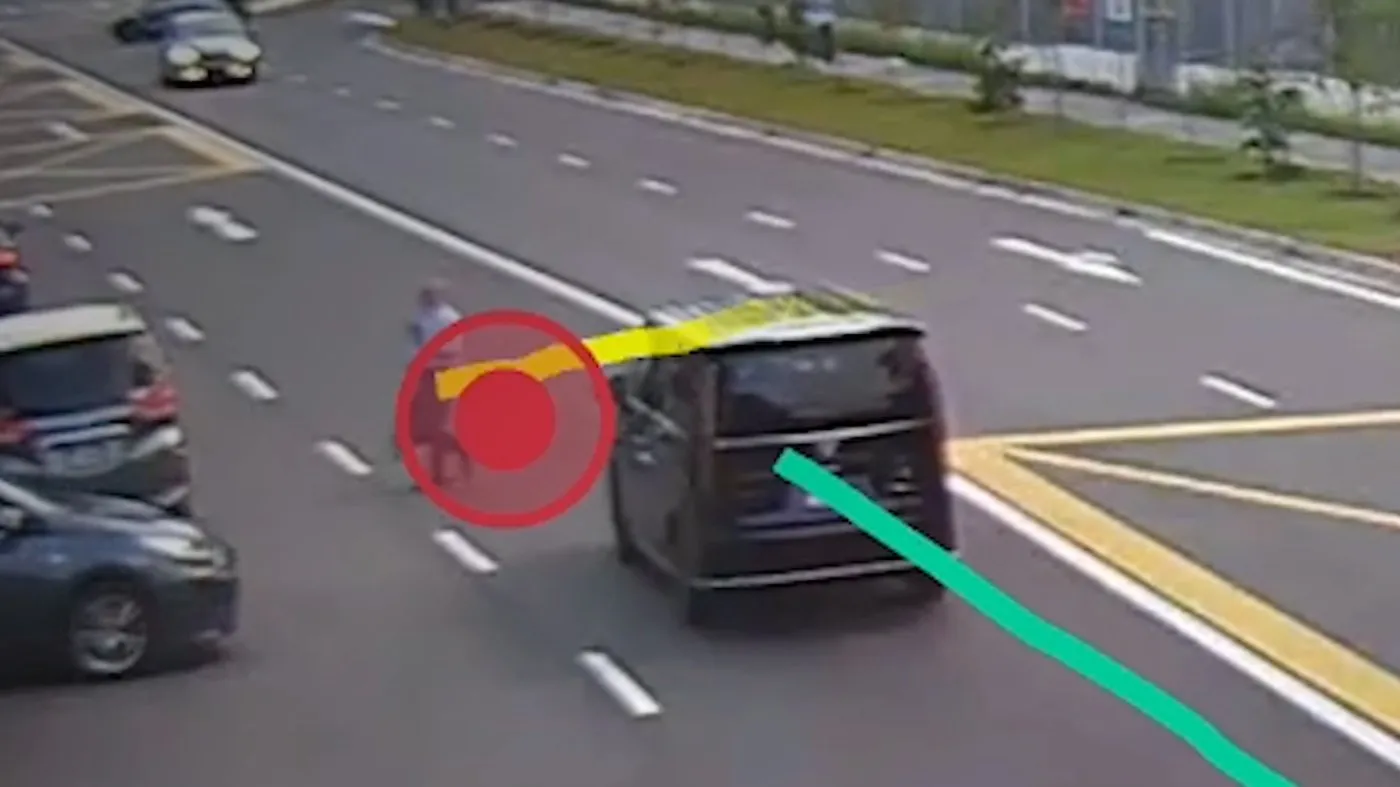
Traffic Safety Suite는 GoodVision의 도로 안전 모듈로, 두 제품 모두에서 실행됩니다. Video Insights에서는 녹화 영상으로, Live Traffic에서는 실시간 스트림으로 후침범 시간(PET)과 충돌 예상 시간(TTC)을 기준으로 아차사고를 점수화합니다. 상충이 사고로 이어지기 전에 측정합니다.
PET 및 TTC
모든 상충을 후침범 시간과 충돌 예상 시간으로 점수화하며, TTC 범위는 0.1~1.5초에서 설정할 수 있습니다.
모든 도로 이용자
차량, 보행자, 자전거 이용자를 하나의 조사에서 분석하며, 모든 이벤트에 영상 증거가 제공됩니다.
90% 더 빠르게, 비용은 80% 절감
영상 수동 검토보다 90% 빠른 아차사고 분석을, 기존 포렌식 도로 안전 분석보다 80% 낮은 비용으로 제공합니다.
두 제품에 내장된 모듈
Traffic Safety Suite는 Video Insights와 Live Traffic 모두에 포함된 모듈입니다. 컨설팅사와 도시의 활용 방법은 도로 안전 분석 페이지에서 확인하십시오.
팀별로 주로 시작하는 제품
GoodVision을 사용하는 각 팀은 대개 한 제품으로 시작합니다. 컨설팅사는 주로 녹화 영상을 처리합니다. 고속도로 운영사와 도시는 주로 자체 카메라로 실시간 운영합니다. 시스템 통합업체는 판매하는 시스템에 Live Traffic을 통합합니다. 아래 각 카드에서 팀별 솔루션 페이지와 시작 제품을 확인할 수 있습니다.
고속도로 및 유료도로 운영사
Live Traffic으로 시작해 기존 CCTV 또는 지원되는 AI 카메라에서 자동 돌발상황 감지와 실시간 구간 모니터링을 수행합니다.
도시 및 지방자치단체
Live Traffic으로 시작해 교차로 모니터링, 위반 감지, 주차 관리를 수행합니다. 일회성 교차로 조사에는 Video Insights를 사용합니다.
교통 컨설팅사
Video Insights로 시작해 녹화 영상에서 교통량, 기종점(OD) 행렬, 안전 분석 결과를 얻습니다.
시스템 통합업체(SI)
REST API와 웹훅으로 Live Traffic 기반 솔루션을 구축하고 자체 브랜드로 제공합니다.
대학 및 연구팀
대학은 교통 연구와 교육에 Video Insights를 활용합니다. GoodVision University를 참조하십시오.
GoodVision 제품 관련 질문
어떤 제품이 적합한지 판단하는 질문들로, 두 제품의 연동, 필요한 하드웨어, 호환 카메라, 결과 제공 속도, 데이터 처리 방식을 다룹니다. 각 답변은 간결하며 근거가 되는 사실을 함께 제공합니다.
두 제품을 함께 사용할 수 있습니까?
예. Live Traffic은 GoodVision 플랫폼의 다른 기능과 통합되어 있어, 수집한 데이터를 Video Insights에서 분석할 수 있습니다.
GoodVision 하드웨어를 구매해야 합니까?
GoodVision은 소프트웨어이며 하드웨어를 제조하지 않습니다. Video Insights는 이미 녹화한 영상으로 작동하며, Live Traffic은 GoodVision이 공급하는 장치나 보유하신 장치, 즉 시판 엣지 장치 또는 지원되는 AI 카메라에서 실행할 수 있습니다.
Live Traffic과 호환되는 카메라는 무엇입니까?
H.264 또는 H.265 RTSP 스트림을 640x480부터 1920x1080까지의 해상도, 초당 10~50프레임으로 전송하는 모든 브랜드의 카메라와 호환됩니다. 도로 이용자가 화면의 5% 이상을 차지해야 합니다.
Video Insights 결과는 얼마나 빨리 나옵니까?
교통 카메라 및 저고도 드론 영상은 수 시간 내, 고고도 드론 영상은 당일에 결과가 나옵니다.
GoodVision은 사고를 감지합니까?
아니요. Traffic Safety Suite는 PET와 TTC로 아차사고를 측정합니다.
데이터는 어떻게 보호됩니까?
GoodVision은 최고 수준의 보안 체계를 갖추고 있습니다. 데이터는 암호화되어 안전하게 저장되며, Google, Microsoft 등 다양한 ID 공급자 계정으로 로그인할 수 있습니다.
귀사의 영상을 GoodVision으로 확인하기
보유한 카메라의 녹화 영상이나 스트림을 보내 주시면 각 제품이 무엇을 찾아내는지 보여 드립니다.