
Two Products for Recorded and Live Traffic Video
The GoodVision Platform has two products. GoodVision Video Insights analyzes recorded traffic video for surveys, traffic modeling and safety studies. GoodVision Live Traffic monitors live camera streams for traffic operations and sends every event to your systems as it happens. Both work with cameras of any brand, and you choose the hardware.
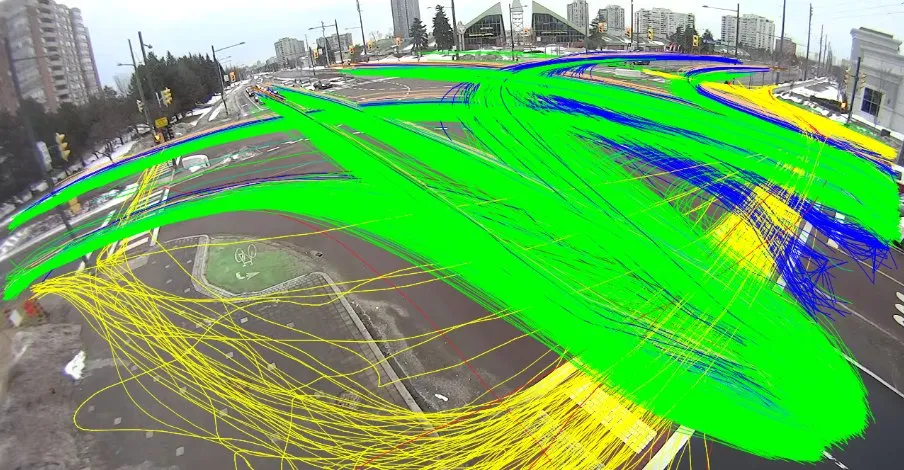 Recorded
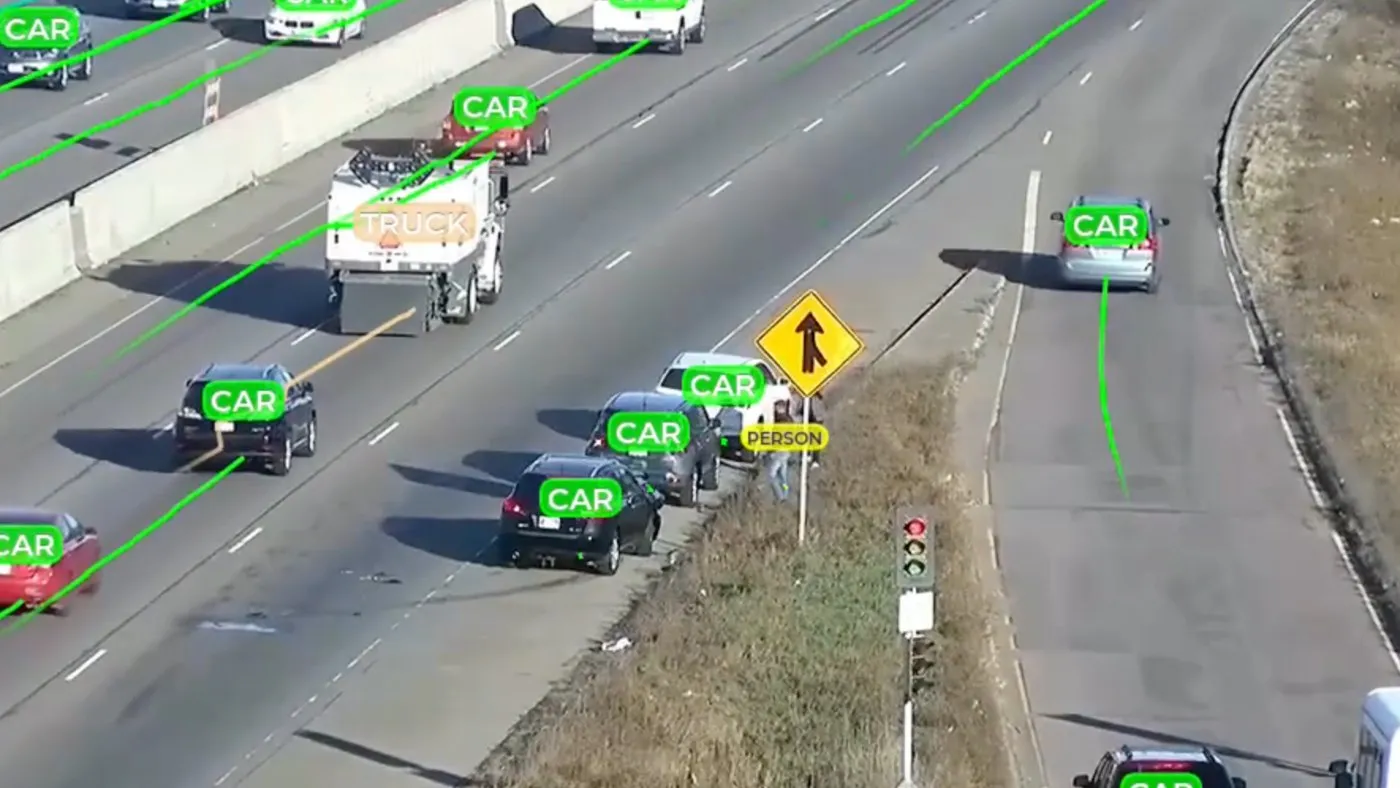
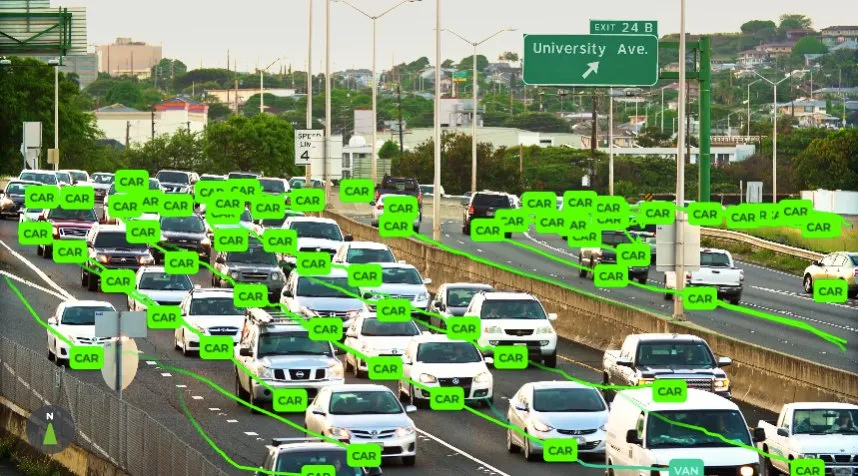
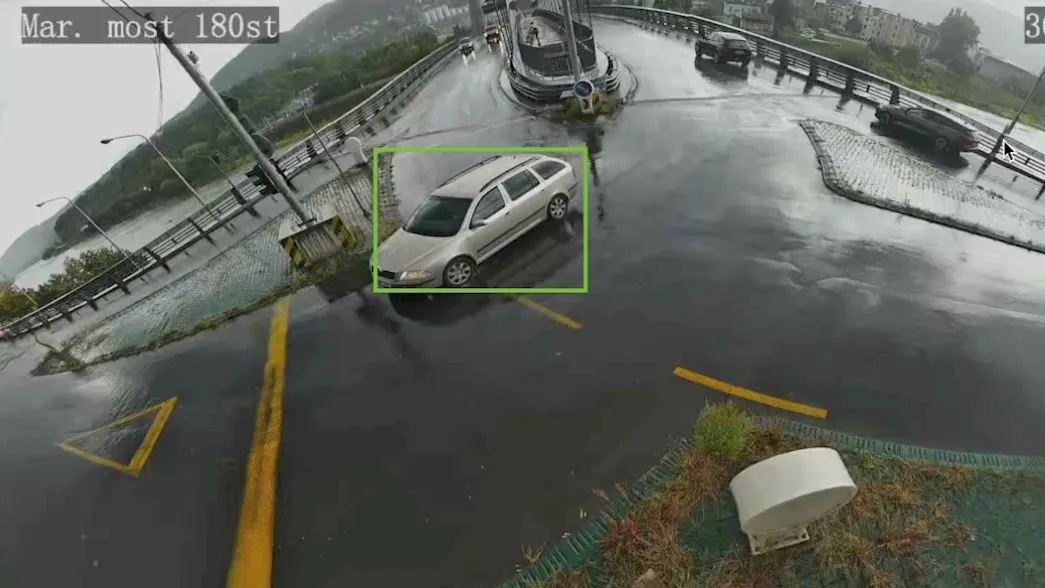
The Platform by the Numbers
Which GoodVision Product Do You Need?
Choose by where your video comes from. If you record footage and need data from it, you need GoodVision Video Insights. If you run cameras and need to act on what they see as it happens, you need GoodVision Live Traffic. Many teams use both, on the same platform.
GoodVision Video Insights
Upload recorded video from fixed cameras or drones and get classified counts, turning movements, origin-destination matrices, speeds and trajectories. Process a video once and build as many reports from it as you need.
GoodVision Live Traffic
Connect live camera streams and detect incidents, violations, congestion and queues as they happen. Each event goes straight to your control room or traffic management system over HTTPS. At intersections, multi-camera tracking joins every camera into one live map.
Video Insights and Live Traffic Compared
The two products share one detection technology and one platform. They differ in four places: the video they take, what they return, where they run and how you license them. The cards below set the two side by side, so you can match each difference to your project.
The Video
Video Insights takes recorded footage from traffic cameras, tripods and drones. Live Traffic takes live RTSP streams in H.264 or H.265 from the cameras on your network.
What You Get
Video Insights returns counts, origin-destination matrices, speeds, trajectories and Excel reports within hours. Live Traffic returns live events, alerts and continuous counts, with each alert sent as soon as it is detected. Its multi-camera tracking counts turning movements across every camera at an intersection.
Where It Runs
Video Insights works in your browser and accepts footage from Google Drive, OneDrive and Dropbox. Live Traffic runs on a supported smart camera, an edge device next to your cameras or your own GPU server.
How You License It
Video Insights is pay per use, with credits per video hour. Live Traffic is licensed per connected camera, annually or as a perpetual license.
Near-Miss Analysis in Both Products
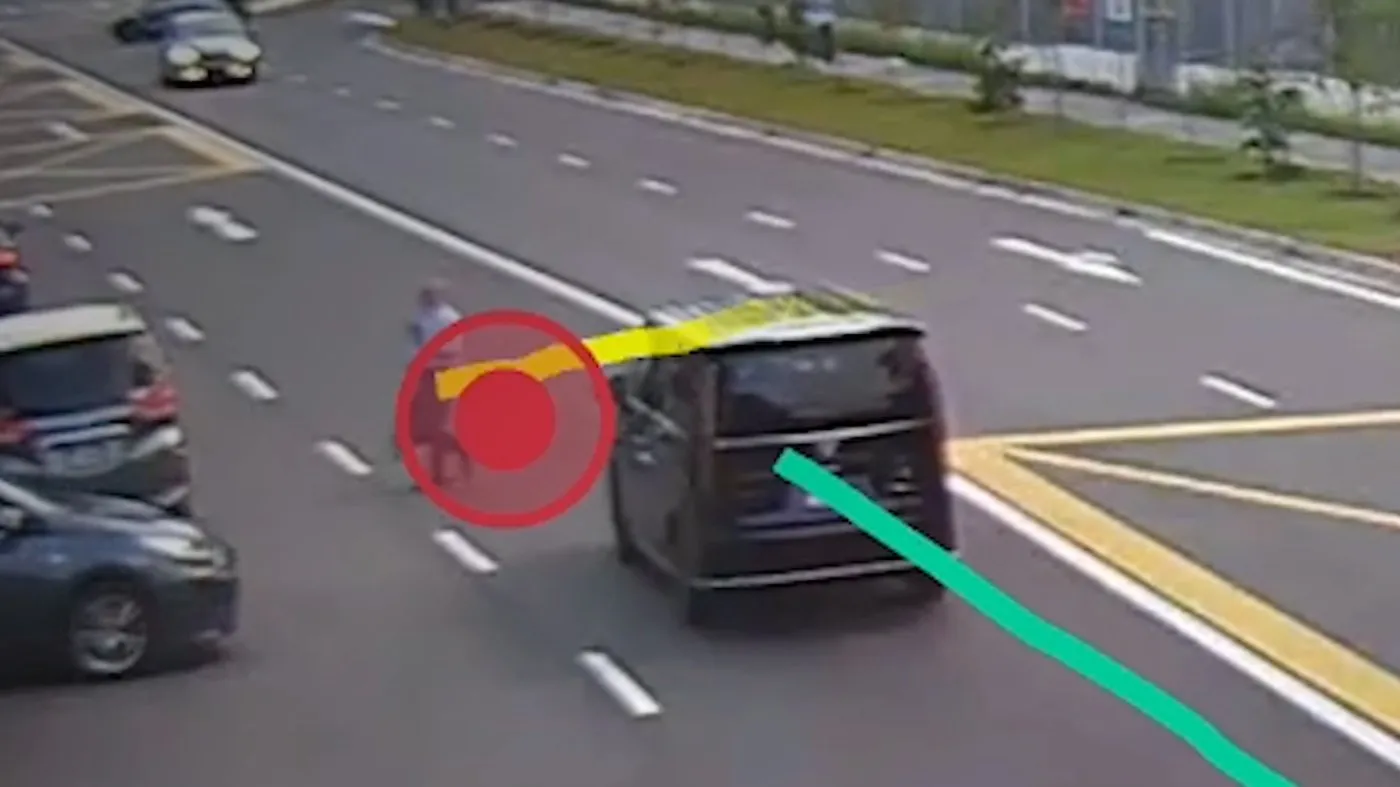
The Traffic Safety Suite is the GoodVision road safety module, and it runs in both products. It scores near-misses by post-encroachment time (PET) and time to collision (TTC), on recorded video in Video Insights and on live streams in Live Traffic. It measures conflicts before they become crashes.
PET and TTC
Every conflict scored by post-encroachment time and time to collision, with a configurable TTC range from 0.1 to 1.5 seconds.
Every Road User
Vehicles, pedestrians and cyclists in one study, with the video evidence for every event.
90% Faster, 80% Lower Cost
Near-miss analysis 90% faster than reviewing the video by hand, at 80% lower cost than traditional forensic road safety analysis.
A Module Inside Both Products
The Traffic Safety Suite is a module inside both Video Insights and Live Traffic. See how consultancies and cities use it on the Road Safety Analysis page.
Where Each Team Usually Starts
Each team GoodVision serves usually starts on one product. Consultancies mostly process recorded video. Highway operators and cities mostly run live on their own cameras. Integrators build Live Traffic into the systems they sell. Each card below links a team to its solutions page and names the product it starts on.
Highway and Tollway Operators
Start on Live Traffic, for automatic incident detection and live corridor monitoring on existing CCTV or a supported AI camera.
Cities and Municipalities
Start on Live Traffic, for intersection monitoring, violations and parking. Use Video Insights for one-off intersection studies.
Traffic Consultancies
Start on Video Insights, for counts, origin-destination matrices and safety studies from recorded video.
System Integrators
Build on Live Traffic, through its REST API and webhooks, and deliver it under your own brand.
Universities and Research Teams
Universities use Video Insights for traffic research and teaching. See GoodVision University.
Questions About GoodVision Products
These are the questions that decide which product fits: whether the two work together, what hardware you need, which cameras work, how fast results come back and how your data is handled. Each answer is short and gives you the facts behind it.
Can I Use Both Products Together?
Yes. Live Traffic is integrated with the rest of the GoodVision platform, so you can analyze what it collects in Video Insights.
Do I Need to Buy GoodVision Hardware?
GoodVision is software and makes no hardware. Video Insights works on video you have already recorded, and Live Traffic can run on devices we supply or on your own: commercially available edge devices or supported AI cameras.
Which Cameras Work With Live Traffic?
Cameras of any brand that deliver an RTSP stream in H.264 or H.265, from 640x480 up to 1920x1080, at 10 to 50 frames per second. Road users need to fill at least 5% of the view.
How Fast Are Video Insights Results?
Within hours for traffic camera and low drone footage, and the same day for high drone footage.
Does GoodVision Detect Crashes?
No. The Traffic Safety Suite measures near-misses with PET and TTC.
How Is My Data Protected?
GoodVision runs on premier security. Data is encrypted and securely stored, and you can sign in with Google, Microsoft and other identity providers.
See Your Own Video in GoodVision
Send us a recording or a stream from one of your cameras and we will show you what each product finds in it.