
Deploy on the Camera, the Edge or Your Server
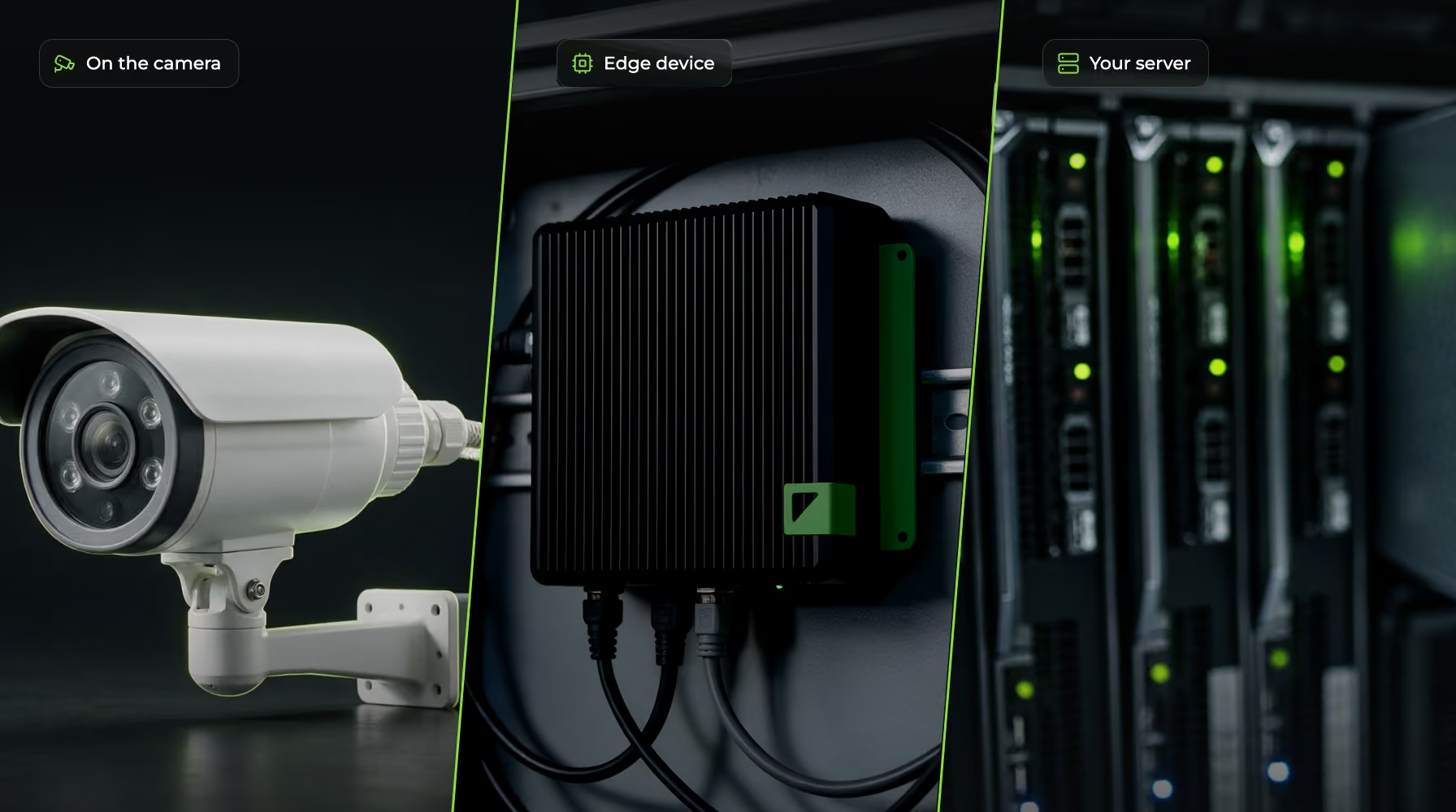
GoodVision processes live traffic video in one of three places: on an AXIS® camera with a DLPU, on an edge device in the roadside cabinet, or on your own GPU server. System integrators and technology partners choose the topology that fits the tender, the network and the data-residency rules, and the traffic data leaves in the same formats either way.
Which Deployment Options Are There?
There are three deployment options for live video. What changes between them is where the compute sits, which usually comes down to procurement, bandwidth or data residency. Every option reads the cameras already installed.
On-Camera
The AI runs on the camera itself. GoodVision runs on AXIS® cameras with a DLPU. Power and data share a single PoE network cable, and a temporary site adds an LTE or 5G router. Have a different AI camera in mind? Contact us.
Edge Device
An edge computer in the cabinet next to your existing CCTV cameras reads their streams on site, so the cameras stay in place. We recommend the reComputer Industrial J4012. Have a different edge device in mind? Contact us.
Your Own Server
Run the engine on your own NVIDIA GPU server, with any camera you already operate. The processing stays inside the customer network.
Working with recorded footage instead? Upload it to Video Insights, which processes it in the cloud with no hardware on site.
What Does Each Camera Stream Need?
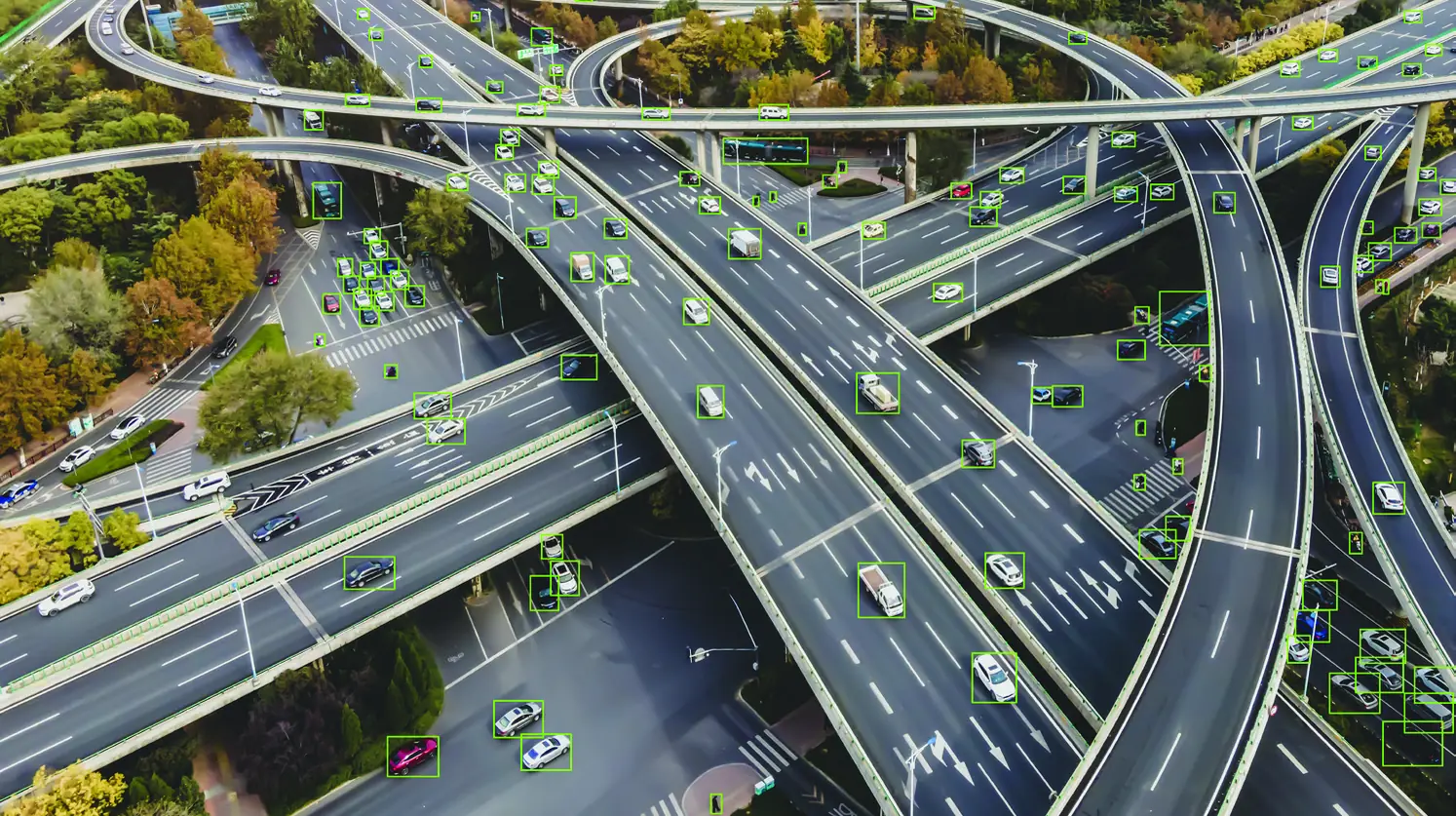
Each camera stream needs to be RTSP in H.264 or H.265, between 640x480 and 1920x1080, at 10 to 50 frames per second. Road users need to fill at least 5% of the camera view. Any camera brand that meets those figures works, including the mix you run today.
Protocol
RTSP, the standard stream most IP and CCTV cameras already deliver.
Codec
H.264 or H.265.
Resolution
From 640x480 up to 1920x1080.
Frame Rate
From 10 to 50 frames per second.
Object Size
Road users need to fill at least 5% of the camera view.
Camera Brand
Any brand. GoodVision works with existing CCTV systems and video management systems.
Where to Check First
The 5% rule is the one most often missed. A wide overview camera on a tall mast can stream at full HD and still show vehicles too small to track. Send us a sample stream or a recording, and our engineers will check it against these figures before you commit to a topology.
Where Do Extraction, Storage and Presentation Sit?
GoodVision splits processing into three layers, and each can sit in a different place. Extraction happens at camera level, on the camera, the edge device or your server. Storage and cross-camera analysis happen where you choose. Presentation can be your own interface or the GoodVision dashboards and exports.
1. Extraction
Traffic data is extracted locally, at camera level. This is the layer the three deployment options place.
2. Storage and Analysis
Long-term storage, cross-camera analysis and multimodal analysis, in the GoodVision platform or in your own data lake.
3. Presentation
Dashboards and exports in GoodVision, a white-label platform under your brand, or your own interface fed by the REST API and event push.
A Data Layer or an All-in-One Platform
As a modular data layer, events and traffic data flow straight into your own data lake and your own interface. As an all-in-one platform, you store, analyze and present everything inside GoodVision. To put your brand on the second, see White-Label Deployment.
Connected or Standalone on the Camera?
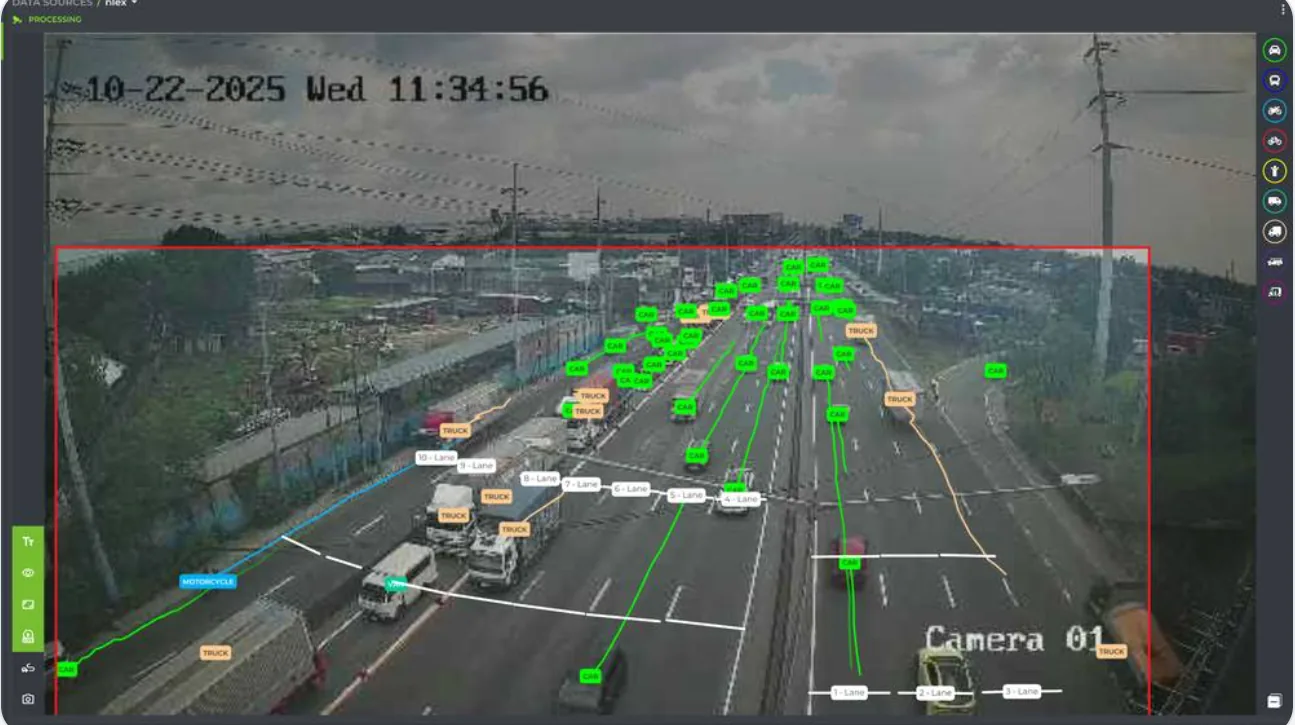
An on-camera deployment runs in one of two modes. Connected, the camera reports to GoodVision for history, cross-camera analysis and dashboards. Standalone, it runs with no connection to GoodVision and feeds your own systems directly. Standalone suits remote sites, isolated networks and strict data-residency rules.
Connected to GoodVision
The camera sends data to the GoodVision platform for long-term history, cross-camera analysis, dashboards, reports and the Traffic Safety Suite. GoodVision configures each camera remotely, and each one connects outbound, so nothing is exposed on the public internet.
Standalone, Managed on Site
The camera is configured locally and sends traffic data and events straight into the customer's own systems. It keeps detecting and buffering events through a lost connection.
Signed and Encrypted
The software is signed and locked to each camera, and traffic between the camera and your systems is encrypted.
Data, Not Video
In normal operation the camera sends traffic data rather than raw video, which keeps personal data to a minimum from the start.
Built for Unreliable Links
An on-camera deployment keeps detecting through a network outage, a dead zone or at a site with no connection at all. Events and clips wait on the camera's SD card and upload when the link returns, so size the card for the longest outage you expect. The Traffic Safety Suite needs the camera connected to GoodVision.
Questions Integrators Ask About Deployment
These are the questions that decide which topology goes into your proposal: whether the existing cameras work, where the data stays, what happens when the network drops and who supplies the hardware. For the full integrator overview, see System Integrators.
Do We Have to Replace the Cameras?
In most cases, no. Any camera that delivers an RTSP stream in H.264 or H.265, from 640x480 up to 1920x1080 at 10 to 50 frames per second, works on the edge device or your own server.
Can Everything Stay Inside the Customer Network?
Yes. Run the engine on an edge device or the customer's own GPU server, or run on-camera in standalone mode with no connection to GoodVision at all.
What Happens When the Network Drops?
An on-camera deployment keeps detecting through the outage. Events and clips wait on the camera's SD card and upload when the link returns, so size the card for the longest outage you expect.
Does the Traffic Safety Suite Run on the Camera?
It needs the camera connected to GoodVision. Near-miss analysis with PET and TTC then runs in the platform.
Does GoodVision Supply the Cameras?
Yes, for in-camera deployments. GoodVision does not manufacture cameras, but we deliver the AXIS® cameras as part of the project and handle warranty claims as your single contact.
Which Product Runs on These Topologies?
Live camera streams run on Live Traffic. Recorded footage runs on Video Insights, which needs no hardware on site.
Choose a Topology With Our Engineers
Tell us which cameras, which network and which system the data has to reach. Our engineers will come back with the topology that fits, and check a sample stream against the camera requirements first.